Scan your paper notes
Scan a page and send the image with extracted text to your digital notebook. The text becomes searchable after sync. Check the extraction, especially for handwriting.
ResearchOS mobile companion
Capture notes and images, scan inventory, and use lab calculators on your phone.
Workspace pairing requires Premium access, either through Solo or your lab membership. See pricing for current beta access.
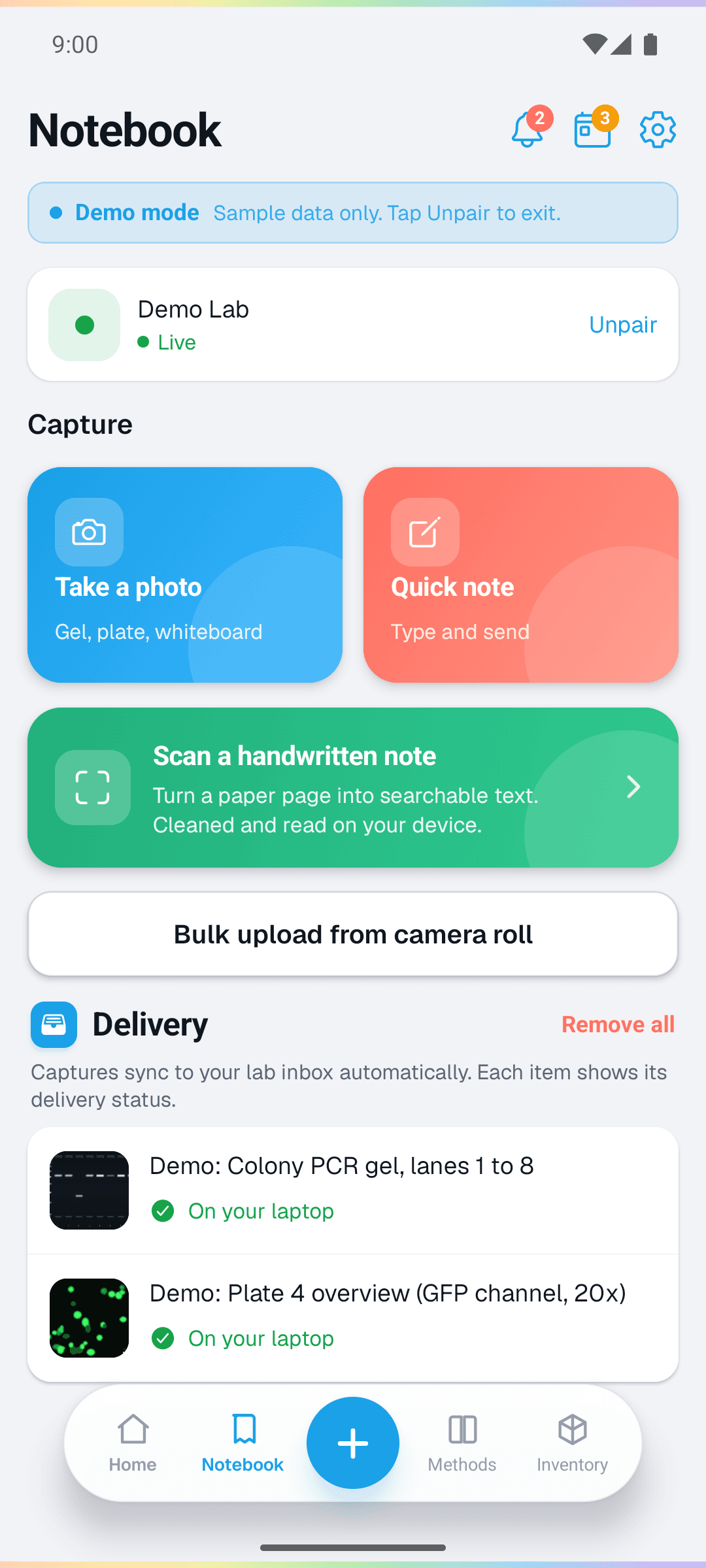
Take a photo, scan a page, or write a quick note.
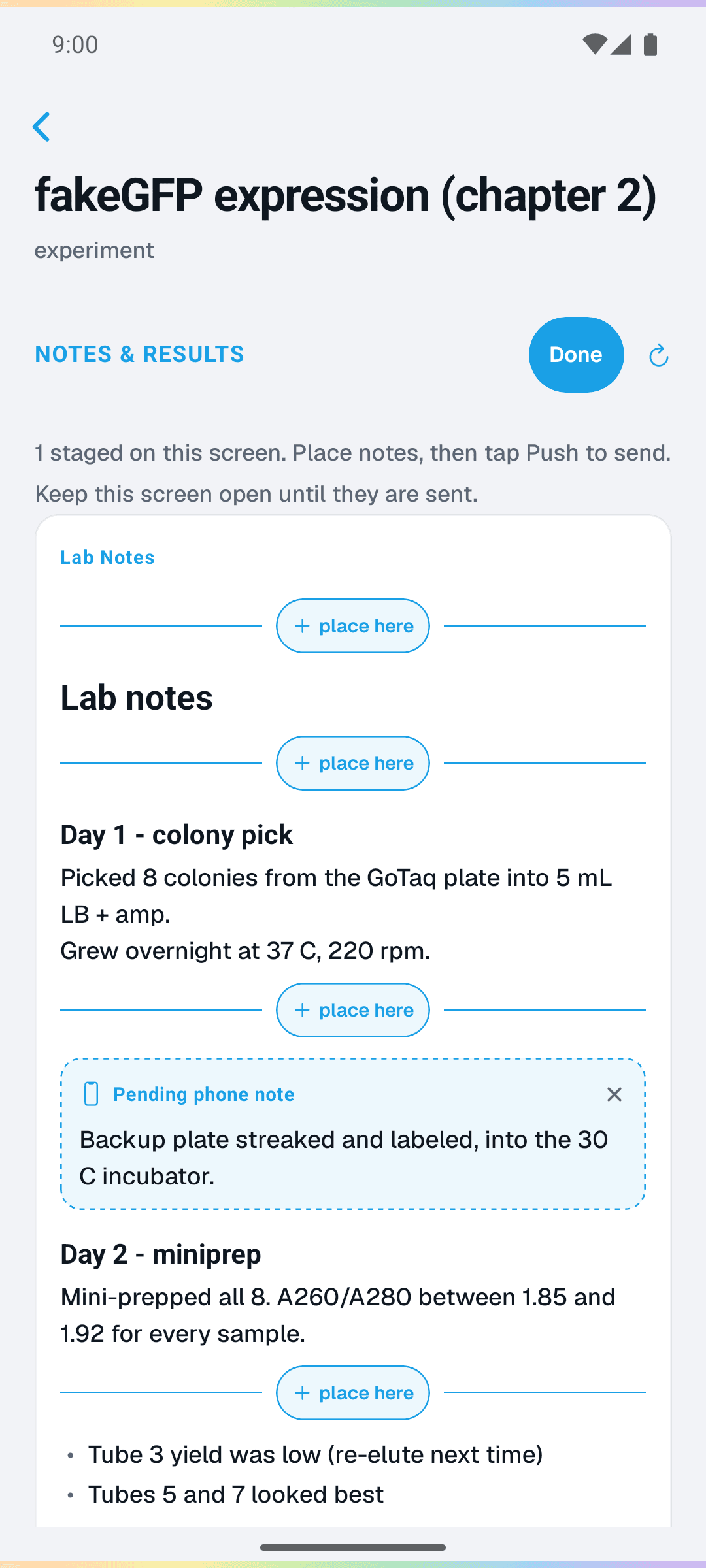
Choose where your note appears in the experiment.
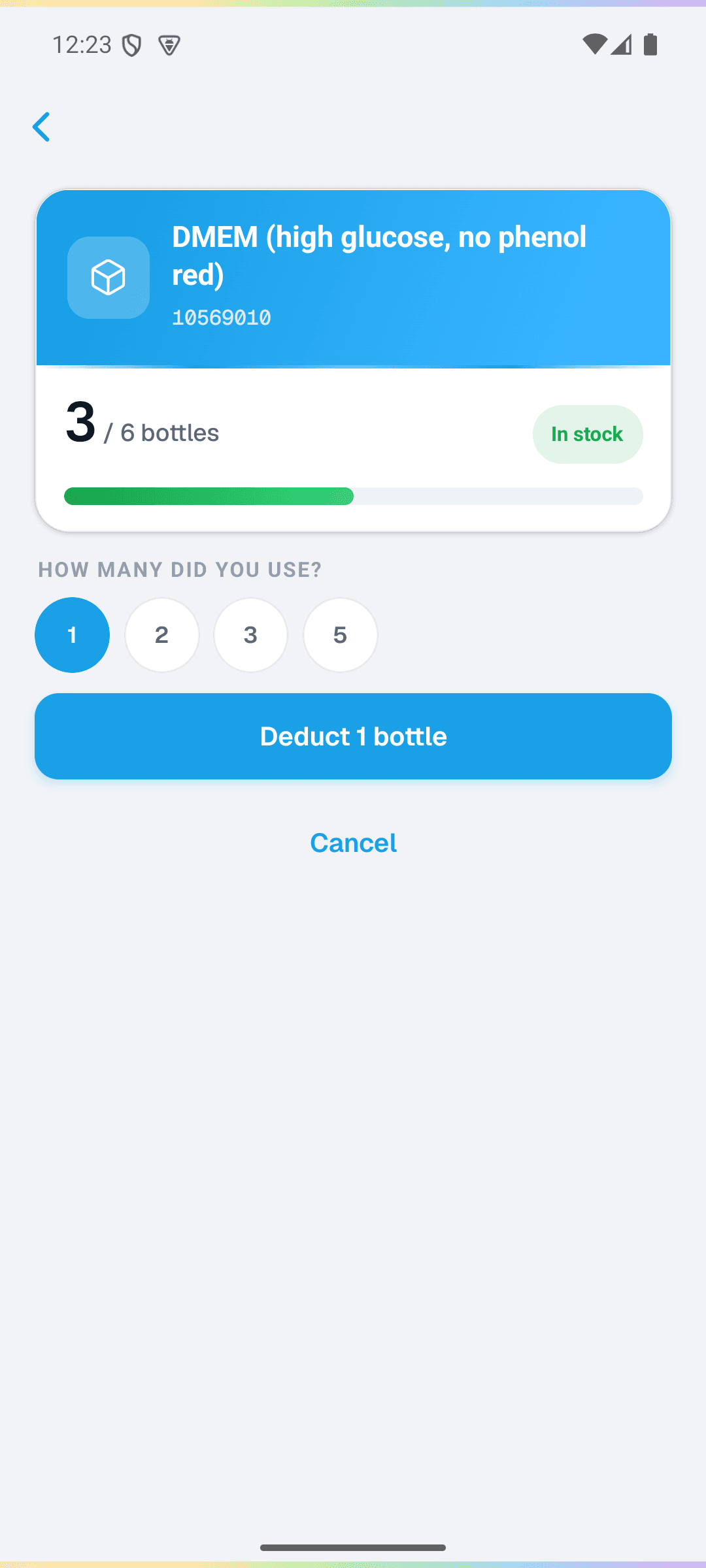
Enter how much you used and confirm the stock update.
Android screenshots with sample data. The scan button starts a scan; these screens do not show extracted text.
Inventory at the bench
Scan a barcode to look up a tracked supply. Choose how much you used and review the update before syncing.
You can also enter a barcode by hand.
Camera footage by Ron Lach / PexelsAway from your desk
Scan a page and send the image with extracted text to your digital notebook. The text becomes searchable after sync. Check the extraction, especially for handwriting.
Look up stock, record supplies you used, or mark an order as arrived. Review the update before syncing.
Work through dilutions, concentrations, and other lab calculations from your phone.
Take a photo, annotate it, or write a note. Choose the experiment or notebook where it should be saved when your phone syncs.
Check the next step without returning to your computer.
Use timers while you run an experiment.
What is included
Offline timers, calculators, and the wiki are available without pairing. Premium access connects the companion to your ResearchOS workspace. See pricing for current beta access.
Plans and pairingYour lab membership provides premium access. You do not need a separate Solo plan to pair your phone.
Connect your notebook in the desktop app, then pair the companion from Settings. Keep the desktop app open and connected to receive captures and send updated methods and inventory to your phone.
Read the companion guideYour data
Synced captures are saved into your ResearchOS workspace on your computer.
Captures pass through a relay to your paired workspace. Current pairings support encrypted captures; older pairings can use legacy delivery.
Read the data-sharing detailsAI is optional. See pricing for current beta access and separate usage charges. Hosted requests send the context needed for that request to a model provider.
How BeakerBot worksCheck Google Play and iOS availability below.
 iOS coming soon