People, goals, and check-ins
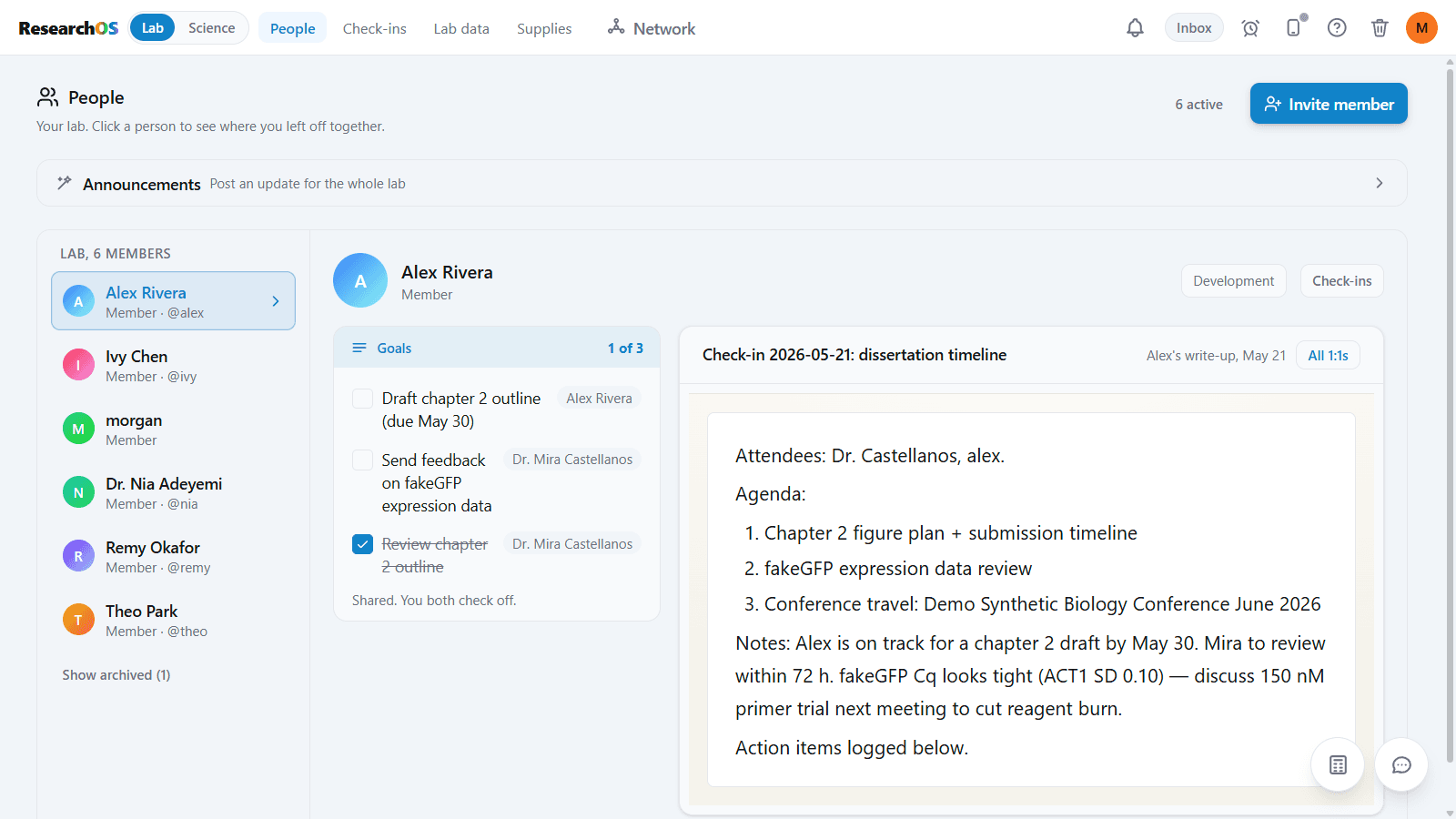
Open a member's page to see shared goals and meeting notes. Keep lab announcements and links to check-ins alongside the roster.
ResearchOS for labs
Give your team shared methods, live collaboration, mobile capture, and tools for managing people and supplies. Local notebooks stay on each researcher’s computer; shared and hosted features send selected data through cloud services.
People and supplies
Open a member's page to see shared goals and meeting notes. Keep lab announcements and links to check-ins alongside the roster.
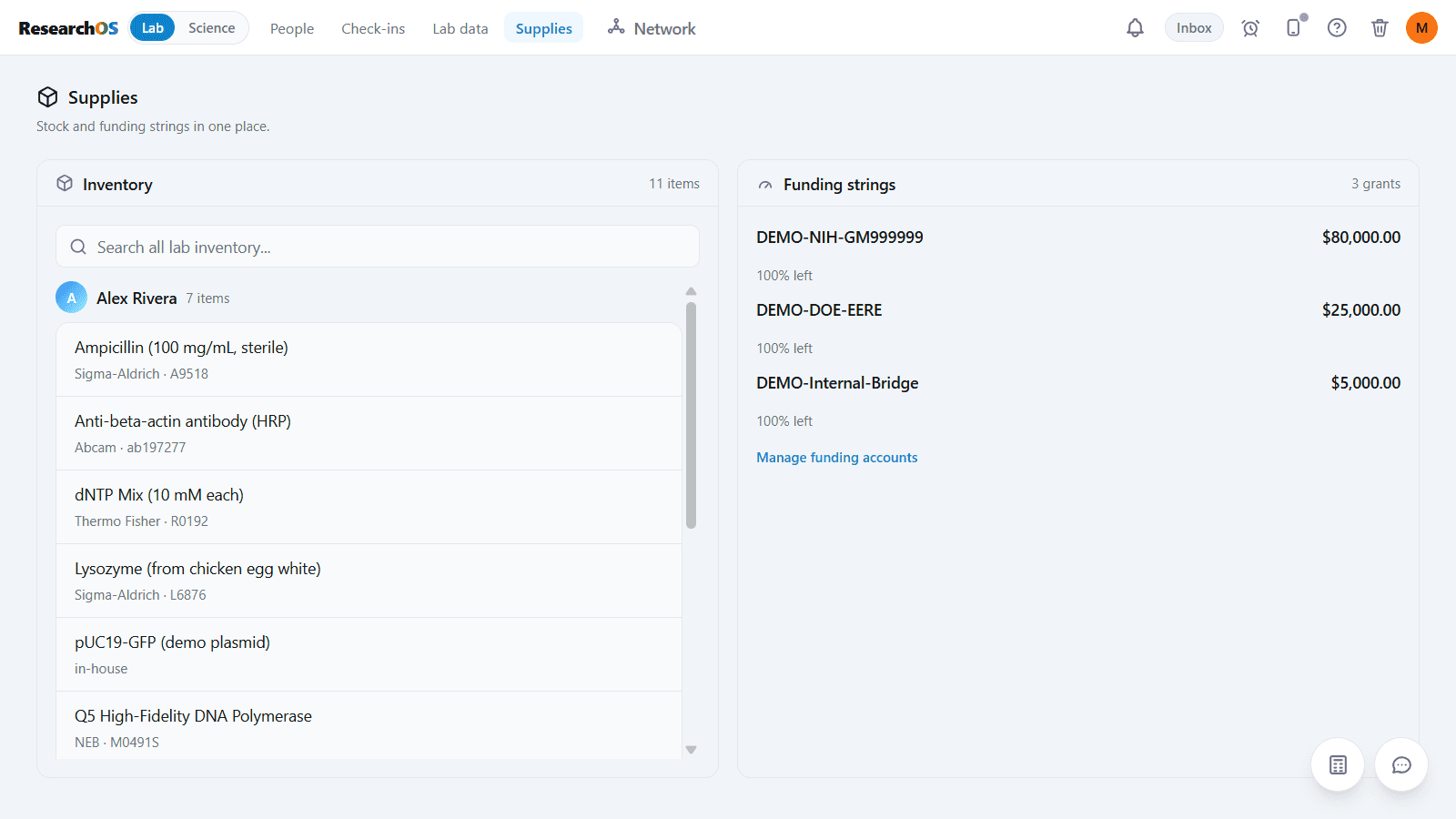
Search supplies across the lab and review spending against each funding account in the same view.
Manage your lab roster and give members access to lab features, including companion pairing.
Send research records to colleagues and work together on supported notes and experiments.
Use People for the lab roster, announcements, and links to check-ins. Follow experiments in the team schedule.
Members can pair their phones and send images and notes back to their workspaces.
Give members a shared library of lab methods they can reuse in their experiments.
Review cloud usage and set a monthly cap. AI is optional. See pricing for current beta access and separate usage charges.
Lab websites
Give your team a public lab page and host interactive websites for your papers. Upload an HTML file or ZIP, or build a page with ResearchOS figures and tables. Choose exactly what becomes public.
Explore the research networkA lab address such as your-lab.research-os.com gives visitors a place to find your research.
Publish supporting notes, figures, and datasets. Hosted content uses cloud services. See pricing for current beta access and future usage charges.
Publishing is a choice. A private notebook does not become a public website when you join a lab.
1
Connect a notebook folder on your computer and try the local research tools.
2
Sign in and start a lab from your account settings. Invite the people who will work with you.
3
Try sharing records, co-editing, and pairing phones with your team. See pricing for current beta access.